
For iPhone, iPad and Mac
Tuck it away. Find it instantly.
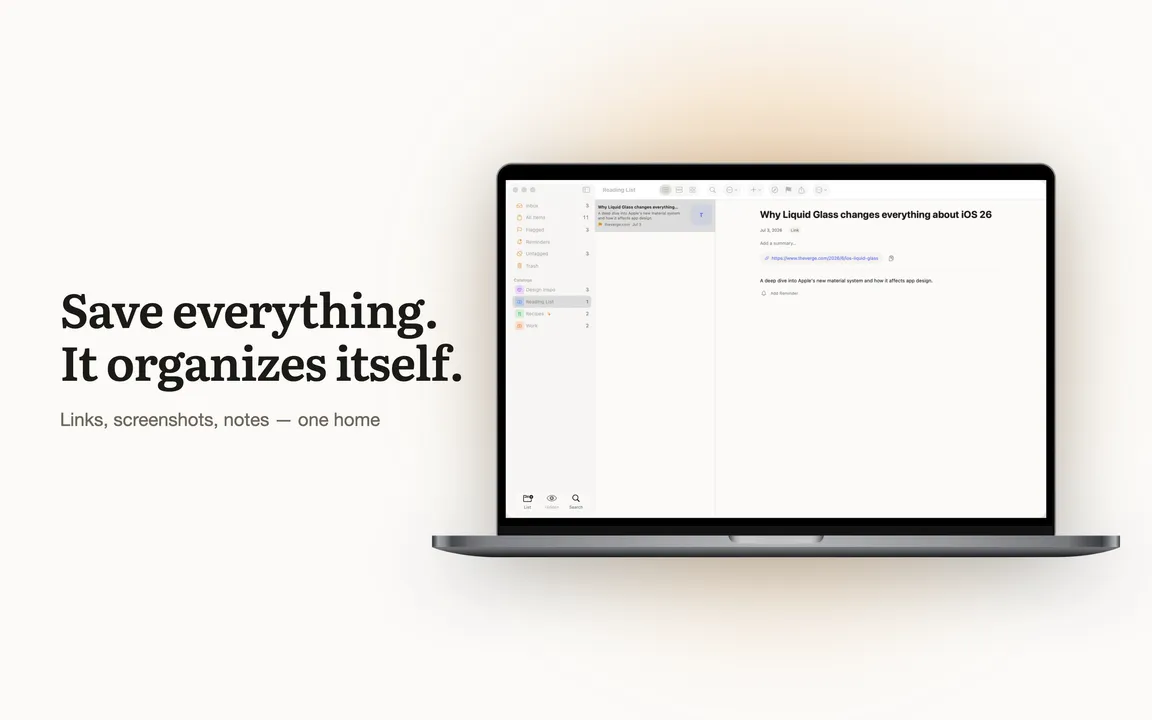
Screenshots you never open again. Links buried in chats with yourself. Tuck gives all of it one home — and finds it the moment you need it.
Free to download. No account needed.
iPhone · iPad · Mac
If it has a Share button, you can tuck it
Browsers, chats, social feeds, PDFs, photos — anything your phone can share, Tuck can keep.
- Browser
- Messenger
- Social
- Photos
- PDF & files
- Notes
How it works
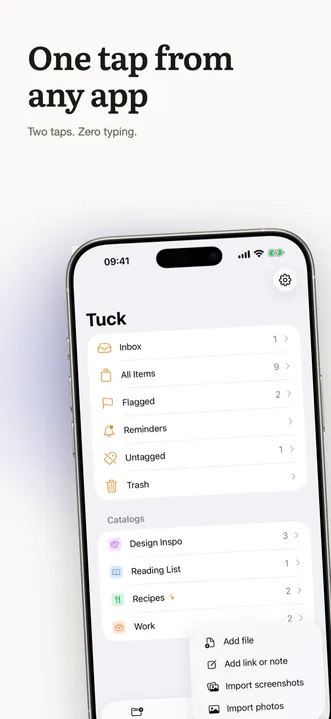
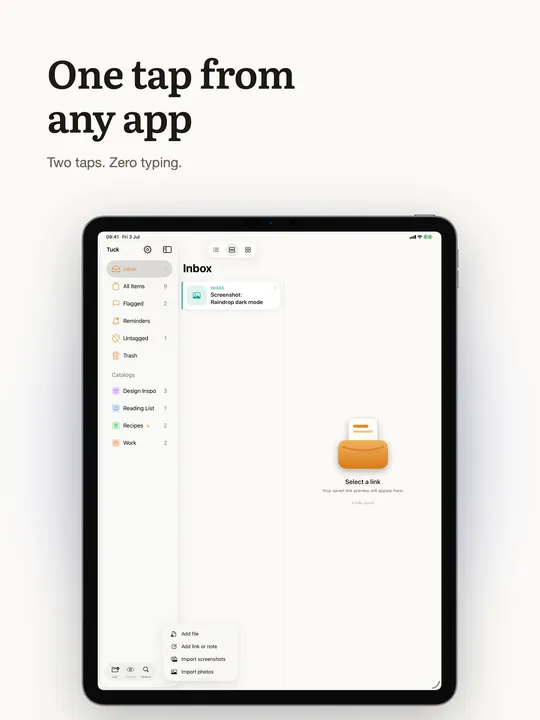
Two taps. Zero typing.
- 1
Share
Tap Share in any app and pick Tuck. Links, screenshots, text, files — all welcome.
- 2
Tuck sorts it
Your collection rules file each save where it belongs. No folders to manage.
- 3
Done
Back to what you were doing. Your stash is organized before you even open the app.
Smart Collections
You save. Tuck sorts.
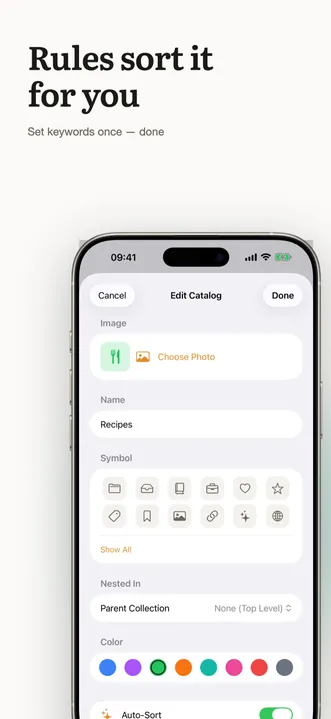
Give a collection a few keywords once — “apartment ideas”, “recipes to try”, “war reading” — and every new save that matches is filed where it belongs.
Rules, not folders
Set keywords once and Tuck files new saves automatically — entirely on your device.
See the why
Tuck can explain why an item landed in a collection, and you can preview what a rule will do before applying it.
Always yours to override
Move anything anywhere. Tuck learns the shape of your library, but you stay in charge.
Features
A calm home for everything you save
Instant search
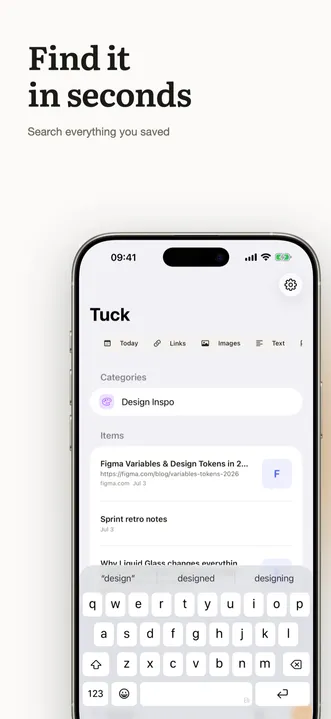
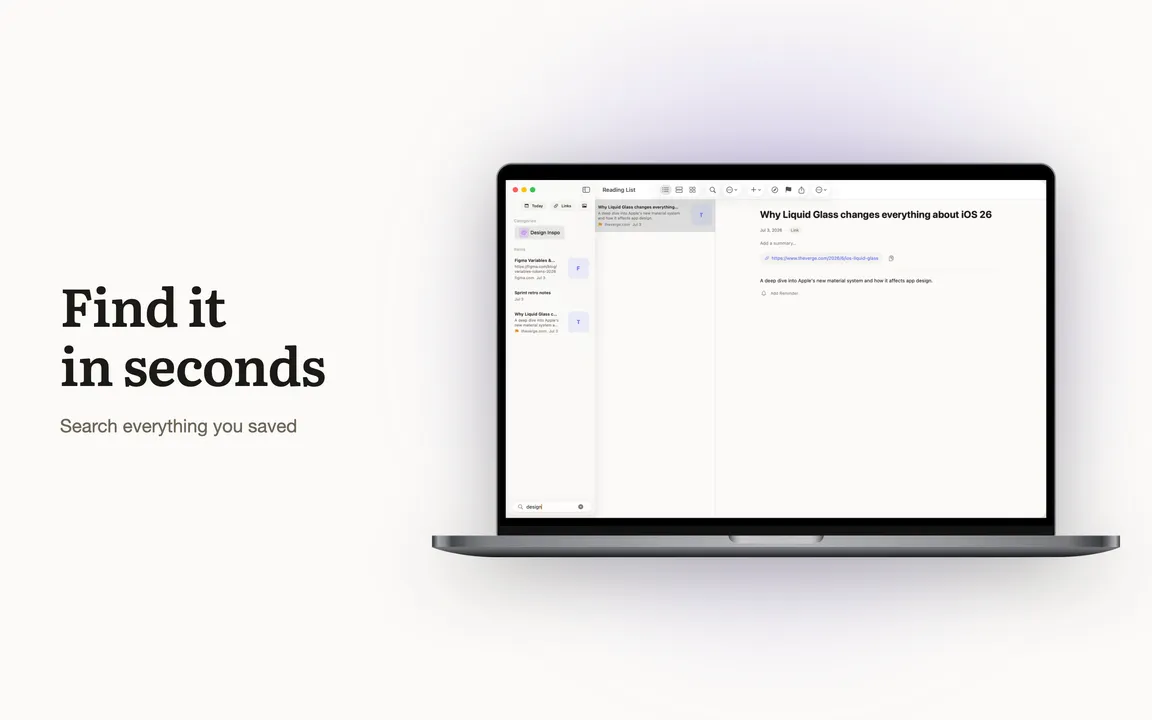
Full-text search across titles, notes, pages — even text inside your screenshots.
Native Mac app
A real macOS app, not a website in a frame. Your stash on the big screen.
Links, screenshots, notes
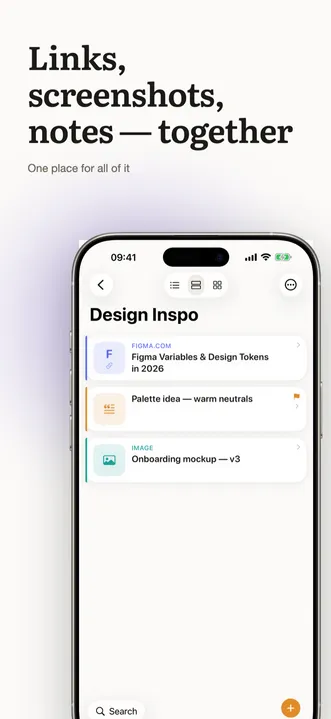
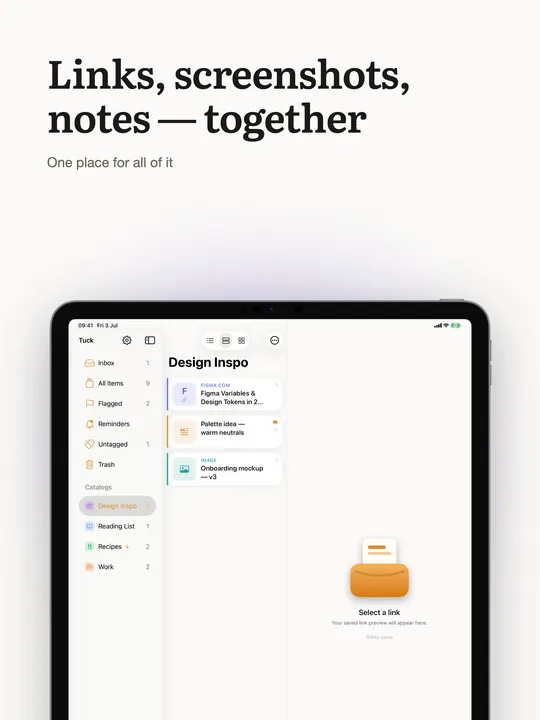
One place for all of it. No more “which app did I save that in?”
Rich link previews
Saved links get titles and cover images automatically. A library, not a list of URLs.
Gentle reminders
Ask Tuck to resurface an item later — the read-it-later promise, actually kept.
iCloud sync
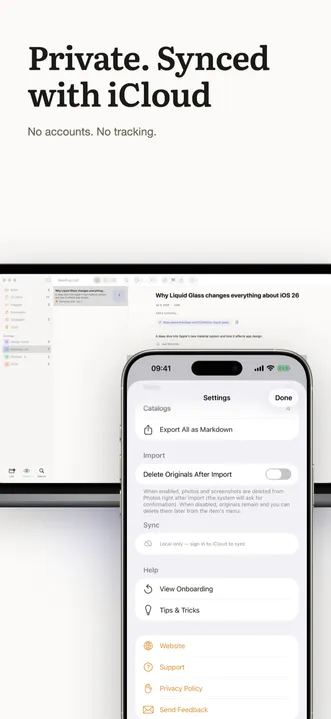
Your library follows you across iPhone, iPad and Mac through your own iCloud.
Save from anywhere
The share extension lives in every app. Two taps and it’s tucked.
English + Ukrainian
Fully bilingual interface — and search that understands both languages.
A closer look
See it in action
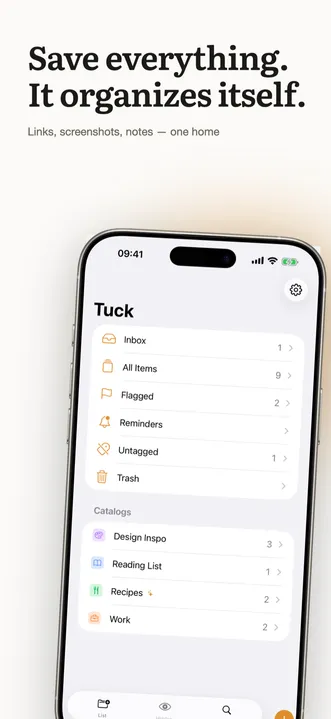
Real screens from the App Store listing — a closer look at Tuck, day to day.
MCP server
Beta · macOSYour stash, in your AI client.
Tuck ships with a local MCP server. Connect it to Claude Code, Claude Desktop or any MCP client and manage your library in plain language — search your saves, create collections, tune the rules. It talks to the same local database as the app; nothing goes over the network.
- Clean up my inbox — file everything into the right collections
- Create a Trips collection with a rule for booking links
- Why did this article end up in Reading?
{
  "mcpServers": {
    "tuck-mcp": {
      "command": "/path/to/tuck-mcp"
    }
  }
}
Ships with the Mac app — the binary lives inside Tuck.app, path available in Settings.
Privacy
Private by architecture, not by promise
- No accounts
- There is nothing to sign up for. Open the app and start saving.
- No tracking
- No ads, no analytics SDKs, no third parties reading your library.
- Your iCloud, your data
- Everything lives on your devices and in your private iCloud — space only you can access.
- Everything on device
- Matching and text processing run on your hardware. Your saves never leave it.
- taps to save
- 2
- typing required
- 0
- on-device
- 100%
- private sync
- iCloud
FAQ
Questions, answered
How does Tuck actually work?
You share something to Tuck from any app — a link, a screenshot, a bit of text, a file. Tuck saves it, fetches a preview and files it into your collections using the rules you set: a few keywords per collection, matched on your device. Later you find it by browsing or with instant full-text search.
Is Tuck free?
Tuck is free to download, and everything you need to save, sort and search is included. Pro unlocks a set of advanced features through a one-time purchase — no subscription.
Which apps can I save from?
Any app with a Share button: Safari and other browsers, Telegram, WhatsApp, Instagram, X, YouTube, Mail, Photos, Files and thousands more. If it can be shared, it can be tucked.
Do I need an account?
No. Tuck has no sign-up, no login and no password. It uses the iCloud account already on your device to sync — privately, between your own devices only.
Where is my data stored?
On your devices and in your personal iCloud. Tuck has no servers of its own and cannot see your library. The rules that organize your saves run entirely on device.
Is there a Mac app?
Yes — Tuck is a native macOS app as well, with the same library kept in sync through iCloud. Save on your phone during the day, read on your Mac in the evening.